Get 69% Off on Cloud Hosting : Claim Your Offer Now!





- Products
- Solutions
-
Solutions
-
 Cloud
Hosting
Cloud
Hosting
-
VPS
Hosting
-
 GPU
Cloud
GPU
Cloud
-
 Dedicated
Server
Dedicated
Server
-
 Server
Colocation
Server
Colocation
-
 Backup as a Service
-
 CDN
Network
CDN
Network
-
 Window
Cloud Hosting
Window
Cloud Hosting
-
 Linux
Cloud Hosting
Linux
Cloud Hosting
-
Managed
Cloud Service
-
 Storage
as a Service
Storage
as a Service
-
VMware
Public Cloud
-
Multi-Cloud
Hosting
-
Cloud
Server Hosting
-
Bare
Metal Server
-
Virtual
Machine
-
 Magento
Hosting
Magento
Hosting
-
 Remote
Backup
Remote
Backup
-
 DevOps
-
 Kubernetes
-
 Cloud
Storage
Cloud
Storage
-
 NVMe
Hosting
NVMe
Hosting
-
 DR
as s Service
DR
as s Service
-
-
Solutions
- Marketplace
- Pricing
- Resources
- Company
 Remote
Backup
Remote
Backup NVMe
Hosting
NVMe
Hosting Pricing
Calculator
Pricing
Calculator Unlock Cost
Optimization
Unlock Cost
Optimization Overview
 Documentation
 Price
Calculator
Price
Calculator Tools
Tools FAQs
FAQs Terms
of Service
Terms
of Service Privacy
Policy
Privacy
Policy
 Migration
 Container
 Power
Power
 Utilities
 VMware
Private Cloud
VMware
Private Cloud VMware
on AWS
VMware
on AWS VMware
on Azure
VMware
on Azure Certifications
 Partners
 Careers
 Support
 Service
Level Agreement
Service
Level Agreement  Contact
Table of Contents
- What Is the NVIDIA RTX PRO 6000 GPU?
- Key Workloads
- Why Deploy an RTX PRO 6000 GPU in the Cloud?
- Flexible GPU Resources
- Faster Deployment
- NVIDIA RTX PRO 6000 for AI Computing
- RTX PRO 6000 for 3D Rendering and Visualization
- Cloud GPU vs. Server Colocation
- Benefits of NVIDIA RTX PRO 6000 GPU Cloud
- Factors to Consider Before Deployment
- Who Can Benefit from RTX PRO 6000 GPU Cloud?
- Conclusion
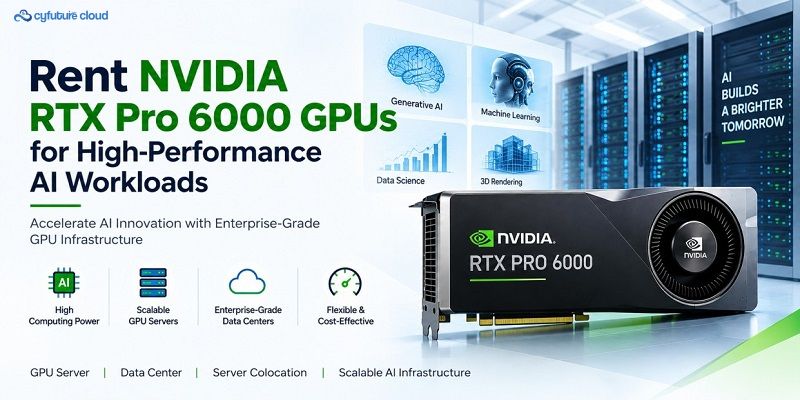
AI, generative AI, 3D visualization, and professional computing require significantly more processing power than conventional CPU-based infrastructure can provide. The NVIDIA RTX PRO 6000 GPU is designed for demanding professional workloads, combining high-performance GPU computing with large memory capacity and advanced NVIDIA Blackwell architecture. A cloud-based RTX PRO 6000 environment allows organizations to access this performance without purchasing and maintaining dedicated physical hardware.
With a dedicated or cloud GPU server, businesses can scale computing resources according to workload requirements. This approach can support AI model development, inference, deep learning, 3D rendering, simulation, engineering, and professional visualization. It also reduces the need for large upfront infrastructure investments and gives teams greater flexibility.
This article covers the NVIDIA RTX PRO 6000 GPU’s key capabilities, major applications, the benefits of GPU cloud infrastructure, and how it compares with traditional approaches such as Server Colocation — along with what to check before deploying an RTX PRO 6000 GPU cloud environment.
What Is the NVIDIA RTX PRO 6000 GPU?
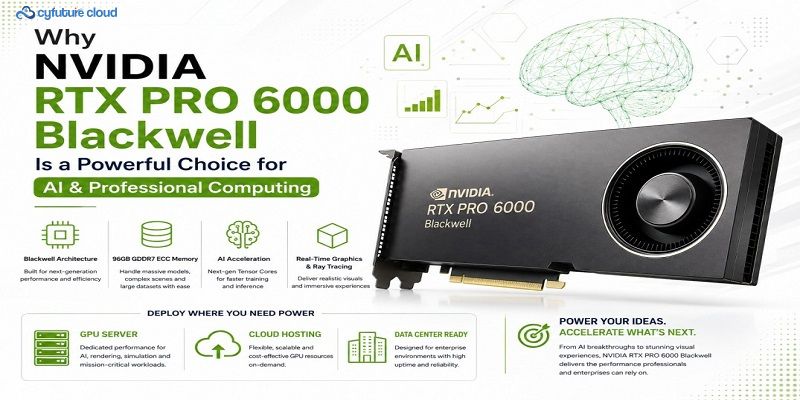
The NVIDIA RTX PRO 6000 is a professional GPU built on NVIDIA’s Blackwell architecture. It targets workloads that require substantial graphics and parallel computing performance.
Unlike conventional graphics cards designed primarily for consumer applications, professional RTX GPUs are optimized for demanding business and workstation workloads — AI development, engineering simulations, computer-aided design, digital content creation, and visualization.
The GPU combines high-speed processing with a large amount of GPU memory, so users can work with complex datasets, AI models, high-resolution assets, and computationally intensive applications more efficiently.
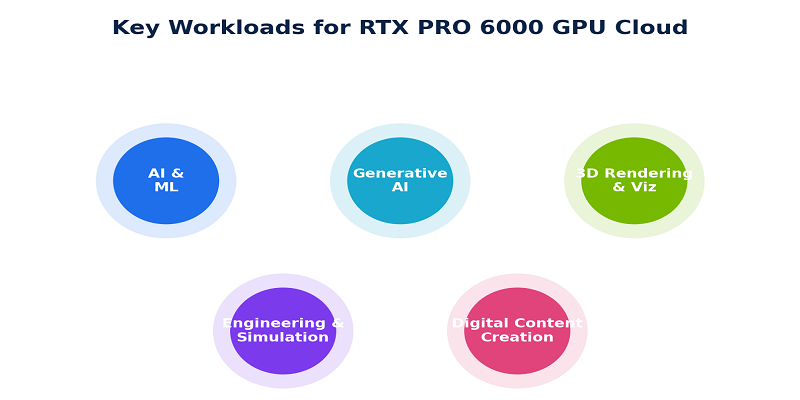
Key Workloads
|
Workload |
What It Involves |
|
AI and machine learning |
Model training, fine-tuning, and inference at production scale |
|
Generative AI applications |
Image generation, language models, and multimodal systems |
|
Large-scale data processing |
Parallel processing of large, complex datasets |
|
3D rendering and visualization |
Lighting, textures, geometry, and visual effects |
|
CAD and engineering applications |
Computer-aided design and technical modeling |
|
Scientific simulations |
Compute-heavy research and engineering simulation |
|
Video production & digital content creation |
Editing, effects, and rendering pipelines |
|
Professional graphics workloads |
General workstation-class graphics performance |
Why Deploy an RTX PRO 6000 GPU in the Cloud?
Traditional GPU infrastructure requires organizations to purchase servers, GPUs, networking equipment, storage, and supporting infrastructure — and to handle cooling, power, maintenance, and hardware upgrades themselves.
A GPU cloud model changes this. Instead of purchasing the entire infrastructure, users access GPU computing resources through a cloud environment.
Flexible GPU Resources
Cloud GPU infrastructure lets organizations provision computing resources based on their requirements. An AI development team, for example, may need significant GPU resources during model training but far fewer during testing — flexibility that helps avoid maintaining permanently underutilized hardware.
Faster Deployment
Deploying physical GPU infrastructure can involve procurement, installation, configuration, networking, and testing. A cloud environment reduces these steps: users can provision an RTX PRO 6000 GPU environment and configure the required operating system, software, storage, and networking resources directly.
NVIDIA RTX PRO 6000 for AI Computing
AI workloads benefit from the parallel processing capabilities of modern GPUs. Training and inference workloads can involve thousands or millions of mathematical operations, many of which GPUs execute simultaneously — so the RTX PRO 6000 can support different stages of the AI workflow.
|
Stage |
Details |
|
AI model development |
Experimentation, fine-tuning, testing, and inference; powerful GPU hardware reduces processing time for computationally intensive workloads |
|
Generative AI |
Image generation, language models, computer vision, and multimodal applications, all of which need substantial computing resources |
RTX PRO 6000 for 3D Rendering and Visualization
The GPU is also suitable for professional graphics applications. Designers, architects, engineers, and media professionals can use GPU acceleration for rendering and visualization.
|
Area |
Details |
|
3D rendering |
GPU-accelerated rendering helps process lighting, textures, geometry, and visual effects more efficiently — useful for architectural visualization, product design, animation, and digital content creation |
|
Engineering and simulation |
GPU resources accelerate suitable workloads and provide a more responsive environment for computationally demanding simulations and large visual datasets |
Cloud GPU vs. Server Colocation
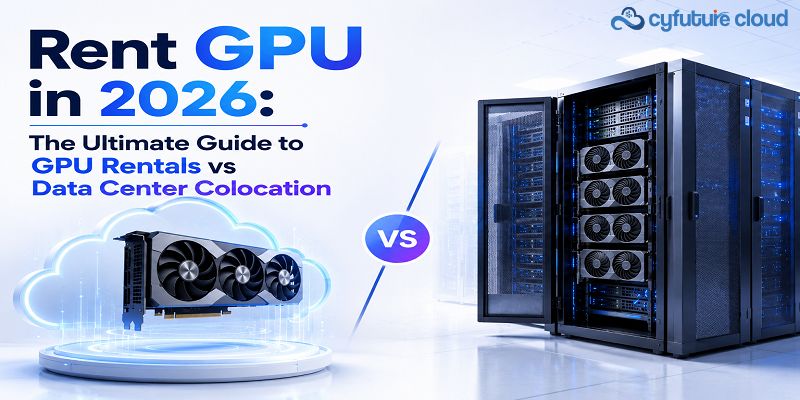
Server Colocation and GPU cloud hosting represent different infrastructure approaches. With Server Colocation, an organization generally owns or leases physical hardware and places it inside a professionally managed data center, remaining responsible for its hardware configuration and upgrades. Cloud GPU hosting provides access to computing resources as a service — businesses provision resources according to their requirements without managing the physical GPU infrastructure directly.
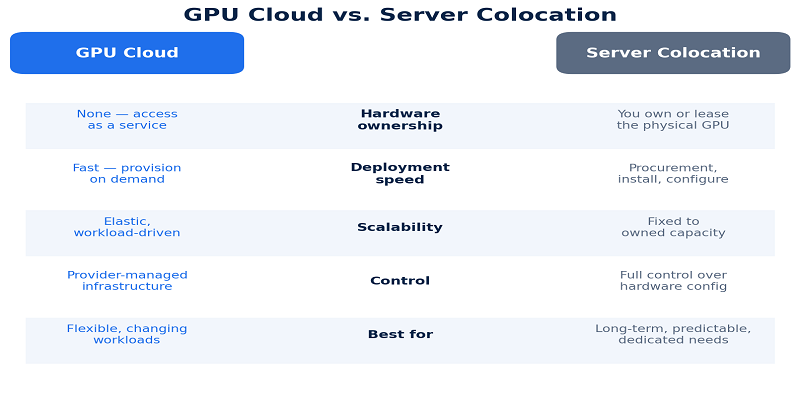
|
Server Colocation Is Suitable When You… |
GPU Cloud Is Suitable When You Need… |
|
Already own expensive GPU servers |
Rapid deployment |
|
Require long-term dedicated hardware |
Flexible GPU capacity |
|
Need specific physical configurations |
Scalable infrastructure |
|
Want greater control over your hardware |
Reduced hardware management |
|
Have predictable infrastructure requirements |
Access to modern GPU technology / temporary or changing workloads |
The right option depends on workload requirements, budget, scalability needs, and infrastructure strategy.
Benefits of NVIDIA RTX PRO 6000 GPU Cloud
|
Benefit |
What It Means |
|
High-performance computing |
Powerful parallel computing capabilities for demanding professional and AI workloads |
|
Scalable infrastructure |
Adjust computing resources as requirements change, and scale as projects grow |
|
Reduced hardware investment |
No need to purchase expensive GPU servers upfront — access GPU resources via a service model instead |
|
Support for professional applications |
Built for AI, visualization, engineering, rendering, and content creation |
|
Faster project deployment |
Shortens the time needed to get computing resources to development and production teams |
Factors to Consider Before Deployment
|
Factor |
What to Check |
|
GPU performance requirements |
The workload’s GPU memory and processing needs — training, inference, rendering, and simulation all have different resource profiles |
|
Storage and networking |
Fast storage and high-bandwidth networking, especially for applications processing large datasets |
|
Security |
Network isolation, access controls, encryption, authentication, monitoring, and backup policies |
|
Software compatibility |
Whether required frameworks, drivers, libraries, and professional applications support the selected GPU environment |
Who Can Benefit from RTX PRO 6000 GPU Cloud?
- AI and machine learning developers
- Data scientists
- Software development teams
- Architects and engineers
- 3D artists and designers
- Media professionals
- Research organizations
- Enterprises running computational workloads
Startups, in particular, can use cloud GPU infrastructure to access advanced computing resources without building a large physical data center environment.
Conclusion
The NVIDIA RTX PRO 6000 GPU provides a powerful platform for AI, 3D rendering, visualization, engineering, and other professional workloads. Deploying this GPU through a cloud environment provides flexible access to high-performance computing while reducing the need to manage physical GPU infrastructure.
Organizations should still evaluate GPU memory, processing requirements, storage, networking, security, software compatibility, and scalability before deployment. Server Colocation remains useful for organizations that require long-term control over dedicated physical hardware, while GPU cloud infrastructure provides greater flexibility for changing workloads.
As AI and professional computing requirements continue to expand, high-performance GPU infrastructure will become an increasingly important part of modern IT environments. Selecting the right deployment model helps organizations align computing resources with their technical and business requirements.











Stay Ahead of the Curve.
Join the Cloud Movement, today!
Send this to a friend